

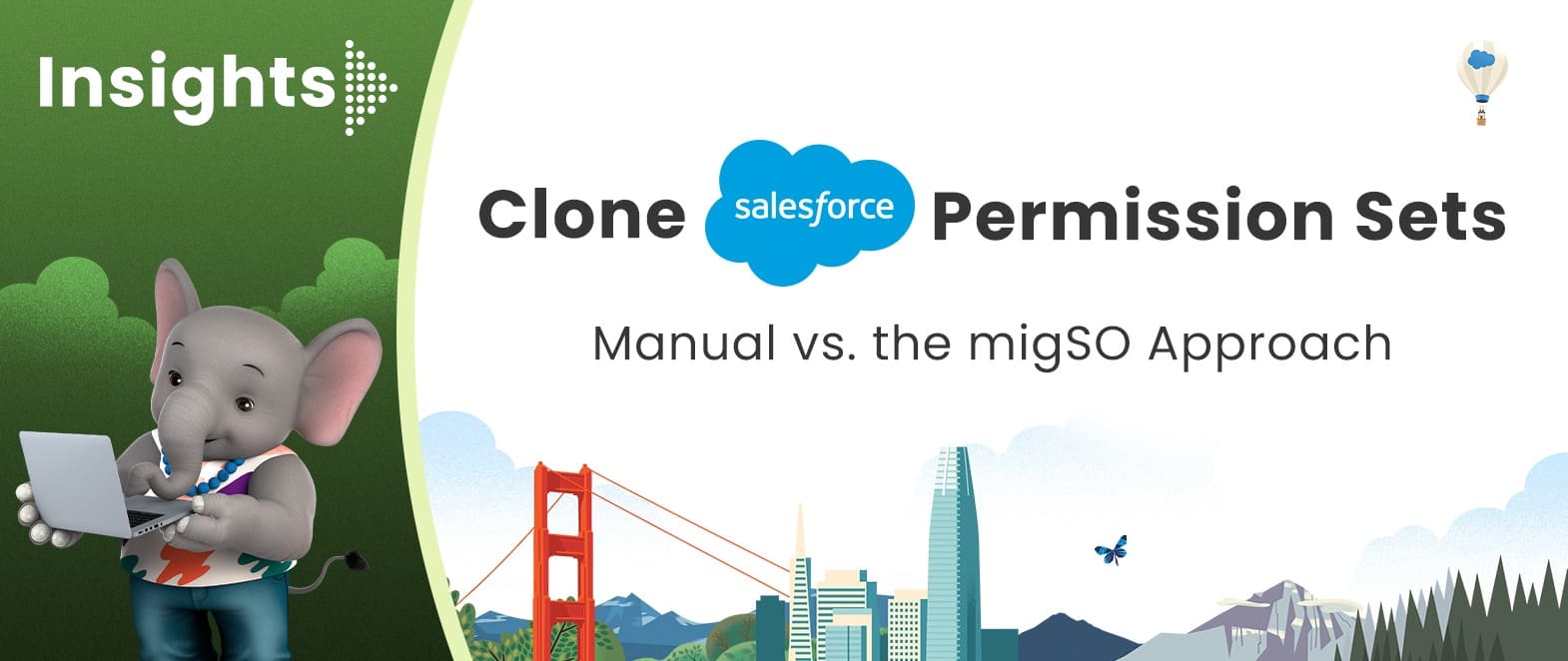
• Clone Salesforce Permission Sets: Manual vs. the migSO ApproachHave you ever tried creating permission sets manually for each user across your org? If so, you’re likely familiar with the complexity and time it takes. However, admins often need to bulk clone permission sets in Salesforce to ensure specific users have the same access to essential apps, fields, objects, and other components. Let’s first go through the issues with the manual approach of recreating permission sets.Problems with the Manual Process to Recreate Salesforce Permission SetsThe manual process involves recreating each permission set across orgs. The process is somewhat repetitive and time-consuming, especially when you’re dealing with permission sets in bulk.1. Repetitive ConfigurationWhen a Permission Set needs to be recreated in another org, admins may have to reproduce its configuration and permissions. As the number of Permission Sets increases, so does the amount of repetitive work.2. Higher Chances of InconsistenciesPermission Sets can contain multiple types of permissions. When configurations are recreated manually, overlooking a particular permission or setting can result in differences between the source and target orgs. These differences may not always be obvious right away.3. Tedious Verification ProcessCreating the Permission Set is only half the job done. Admins also need confidence that the replicated configuration actually matches what was intended. That means additional checking and validation is required to ensure maximum precision.4. Complications at ScaleA process that works reasonably well for a single Permission Set may become cumbersome when considering dozens of Permission Sets or multiple Salesforce orgs. The more configurations you manage, the more valuable consistency and repeatability become.Bulk Clone Permission Sets in Salesforce Made Easy with migSOmigSO takes a different approach to Salesforce permission set cloning. Instead of treating Permission Set replication as another configuration task, migSO lets Salesforce teams clone Permission Sets in bulk across orgs effortlessly. It saves admins time and reduces the risk of human error. Get ready to streamline permission set cloning and eliminate the problems associated with the manual approach using migSO- the #1 Salesforce Metadata Management app.Browse our blog to learn the detailed steps for Salesforce Permission Sets Cloning using migSO.Who Are We?Tech9logy Creators is a Registered Salesforce Consulting and ISV Partner Company with over 12 years of experience. We have a certified team of developers with extensive knowledge of Salesforce AppExchange and provide you with the best-in-class personalized apps. Our dedicated Salesforce experts help you bring the best out of your CRM and ensure your business operates at its highest potential.Contact us for details on migSO!

    Read more:https://migso.io/our-blog/features-benefits/clone-salesforce-permission-sets-manual-vs-the-migso-approach/
    Clone Salesforce Permission Sets: Manual vs. the migSO ApproachHave you ever tried creating permission sets manually for each user across your org? If so, you’re likely familiar with the complexity and time it takes. However, admins often need to bulk clone permission sets in Salesforce to ensure specific users have the same access to essential apps, fields, objects, and other components. Let’s first go through the issues with the manual approach of recreating permission sets.Problems with the Manual Process to Recreate Salesforce Permission SetsThe manual process involves recreating each permission set across orgs. The process is somewhat repetitive and time-consuming, especially when you’re dealing with permission sets in bulk.1. Repetitive ConfigurationWhen a Permission Set needs to be recreated in another org, admins may have to reproduce its configuration and permissions. As the number of Permission Sets increases, so does the amount of repetitive work.2. Higher Chances of InconsistenciesPermission Sets can contain multiple types of permissions. When configurations are recreated manually, overlooking a particular permission or setting can result in differences between the source and target orgs. These differences may not always be obvious right away.3. Tedious Verification ProcessCreating the Permission Set is only half the job done. Admins also need confidence that the replicated configuration actually matches what was intended. That means additional checking and validation is required to ensure maximum precision.4. Complications at ScaleA process that works reasonably well for a single Permission Set may become cumbersome when considering dozens of Permission Sets or multiple Salesforce orgs. The more configurations you manage, the more valuable consistency and repeatability become.Bulk Clone Permission Sets in Salesforce Made Easy with migSOmigSO takes a different approach to Salesforce permission set cloning. Instead of treating Permission Set replication as another configuration task, migSO lets Salesforce teams clone Permission Sets in bulk across orgs effortlessly. It saves admins time and reduces the risk of human error. Get ready to streamline permission set cloning and eliminate the problems associated with the manual approach using migSO- the #1 Salesforce Metadata Management app.Browse our blog to learn the detailed steps for Salesforce Permission Sets Cloning using migSO.Who Are We?Tech9logy Creators is a Registered Salesforce Consulting and ISV Partner Company with over 12 years of experience. We have a certified team of developers with extensive knowledge of Salesforce AppExchange and provide you with the best-in-class personalized apps. Our dedicated Salesforce experts help you bring the best out of your CRM and ensure your business operates at its highest potential.Contact us for details on migSO!Read more:https://migso.io/our-blog/features-benefits/clone-salesforce-permission-sets-manual-vs-the-migso-approach/
    MIGSO.IO
    Clone Salesforce Permission Sets: Manual vs. the migSO Approach - Migso
    Have you ever tried creating permission sets manually for each user across your org? If so, you’re likely familiar with the complexity and time it takes. However, admins often need to bulk clone permission sets in Salesforce to ensure specific users have the same access to essential apps, fields, objects, and other components. Let’s first […]
    0 Comments 0 Shares 29 Views 0 Reviews
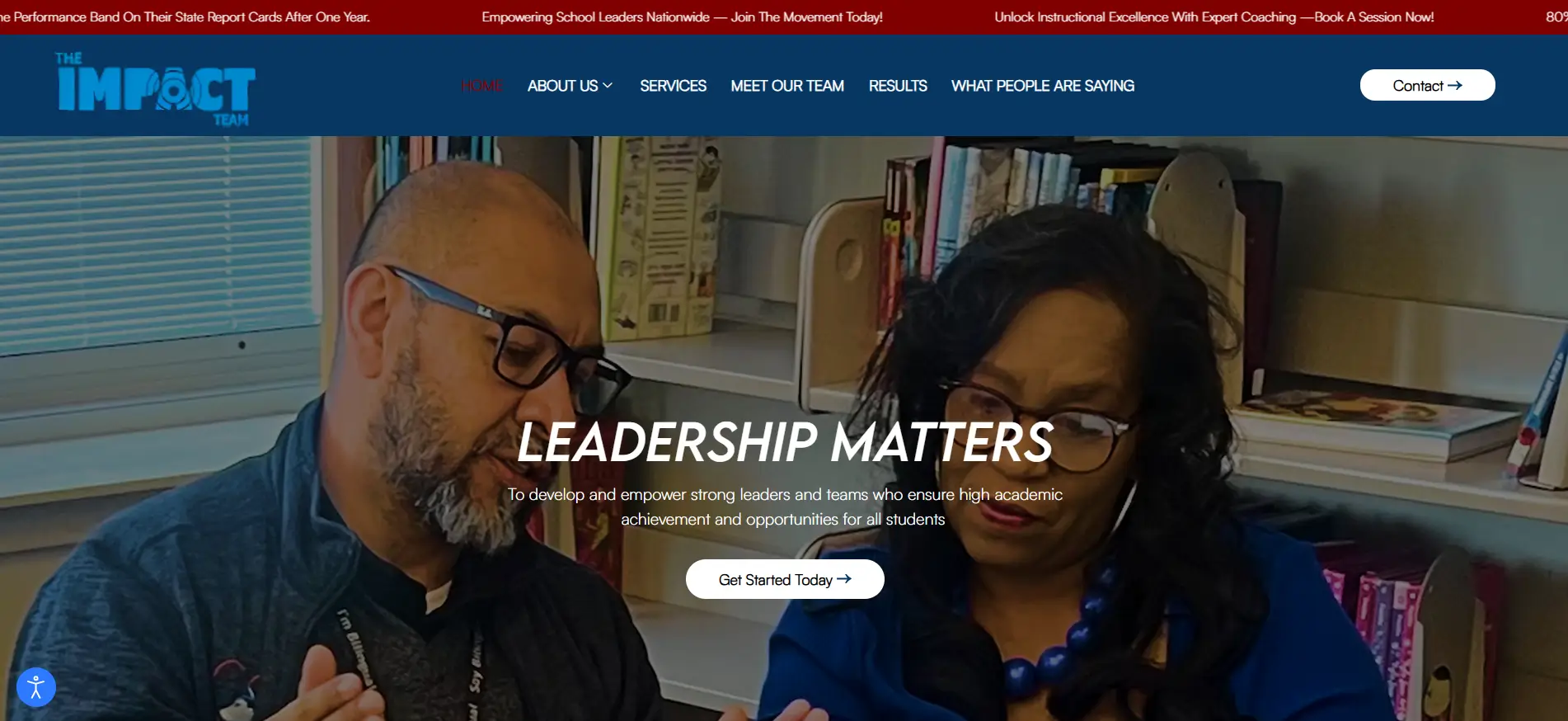
  • Discover practical strategies to improve student outcomes through strong instructional leadership, effective teaching practices, teacher development, and a supportive learning environment. Learn how schools and educators can help students achieve greater academic progress, build confidence, and develop skills for long-term success.

    https://impactteamconsulting.org/

    Discover practical strategies to improve student outcomes through strong instructional leadership, effective teaching practices, teacher development, and a supportive learning environment. Learn how schools and educators can help students achieve greater academic progress, build confidence, and develop skills for long-term success.https://impactteamconsulting.org/
    IMPACTTEAMCONSULTING.ORG
    The Impact Team
    Empowering school and district leaders through data-driven coaching, capacity building, and proven systems that drive academic excellence.
    0 Comments 0 Shares 40 Views 0 Reviews
  • IT Consulting Services for Smarter Business Growth


    IT consulting services help businesses align technology with strategic goals, improve operational efficiency, and support digital transformation. Expert consultants can provide guidance on IT strategy, software development, cloud solutions, cybersecurity, system integration, process automation, and technology optimization. Customized consulting approaches help organizations address technical challenges, modernize infrastructure, and adopt scalable solutions. With the right IT consulting partner, businesses can make informed technology decisions, streamline workflows, improve performance, and build a strong foundation for sustainable digital growth. Read more: https://www.promaticsindia.com/

    IT Consulting Services for Smarter Business GrowthIT consulting services help businesses align technology with strategic goals, improve operational efficiency, and support digital transformation. Expert consultants can provide guidance on IT strategy, software development, cloud solutions, cybersecurity, system integration, process automation, and technology optimization. Customized consulting approaches help organizations address technical challenges, modernize infrastructure, and adopt scalable solutions. With the right IT consulting partner, businesses can make informed technology decisions, streamline workflows, improve performance, and build a strong foundation for sustainable digital growth. Read more: https://www.promaticsindia.com/
    0 Comments 0 Shares 92 Views 0 Reviews
  • Cloning Salesforce objects can be a game-changer for organizations or individuals looking to streamline their operations and save valuable time. However, by default, Salesforce does not allow you to mass clone objects, and manually cloning objects from one org to another is tedious and time-consuming which leads to higher costs. That’s where migSO steps in to revolutionize the process.migSO is a native Salesforce app crafted by our experts, designed to seamlessly clone, export, and manage distinct Salesforce metadata items—all within a single platform. Strictly built as per Salesforce AppExchange guidelines, migSO ensures reliability, efficiency, and maximum value from your Salesforce metadata.But before diving into how migSO simplifies mass cloning, let’s first explore why businesses need to mass clone Salesforce objects in the first place.The Need to Clone ObjectsHere are some reasons why the admin needs to clone objects from their orgs-Save time & effort: It can save significant time and effort, especially when you need to clone the same objects in different Salesforce Org.Consistency across orgs: It facilitates consistency across different Salesforce orgs, ensuring that objects carry the same fields and configuration while reducing discrepancies.Quick adaption to business changes: It allows admins to rapidly create and deploy new objects to quickly adapt to business strategy shifts.Backup & recovery: In case of accidental deletion or misconfiguration of an object in an org, you can clone the lost object from source org quickly while eliminating extensive rework. Clone Objects in a Few Clicks With migSOGiven below are the steps to clone objects using migSO-Step 1. Open migSO via App LauncherClick “App Launcher” and search & select migSO.Step 2. Select Clone WizardStep 3. Select Metadata ItemStep 4. Select Source OrgStep 5. Choose Objects & DeployStep 6. Select Relevant Metadata Items to CloneStep 7. Review Deployment StatusStep 8. Set Fields PermissionStep 8. Download ReportWoohoo! You have successfully deployed cloned custom objects from one org to another.Going through the Migration Wizard LogsYou can access the deployment history by moving to Migration Wizard Logs. You’ll find a list of all metadata operations executed on your org with specified dates.Click on the deployed Custom Object here.Here you will get the record detail of the currently deployed metadata item.To download the deployment report in Excel format, go to the Related tab and click on the file.ConclusionThe process to manually cloning objects is a hectic task; however, migSO simplifies this process by empowering admins to mass clone objects from one org to another seamlessly. Whether you aim to mass clone metadata items or quickly export them in bulk, migSO is your ultimate solution for all metadata operation needs—empowering you to work smarter, faster, and with remarkable efficiency.Who are We?Tech9logy Creators is a Registered Salesforce Consulting and ISV Partner Company with over 10 years of experience. We have a certified team of developers with extensive knowledge about Salesforce AppExchange and provide you with the best-in-class personalized apps. Our dedicated Salesforce experts help you bring the best out of your CRM and ensure your business operates at its highest potential.Contact us for more information.

    Learn More: https://migso.io/our-blog/features-benefits/looking-to-clone-objects/

    Cloning Salesforce objects can be a game-changer for organizations or individuals looking to streamline their operations and save valuable time. However, by default, Salesforce does not allow you to mass clone objects, and manually cloning objects from one org to another is tedious and time-consuming which leads to higher costs. That’s where migSO steps in to revolutionize the process.migSO is a native Salesforce app crafted by our experts, designed to seamlessly clone, export, and manage distinct Salesforce metadata items—all within a single platform. Strictly built as per Salesforce AppExchange guidelines, migSO ensures reliability, efficiency, and maximum value from your Salesforce metadata.But before diving into how migSO simplifies mass cloning, let’s first explore why businesses need to mass clone Salesforce objects in the first place.The Need to Clone ObjectsHere are some reasons why the admin needs to clone objects from their orgs-Save time & effort: It can save significant time and effort, especially when you need to clone the same objects in different Salesforce Org.Consistency across orgs: It facilitates consistency across different Salesforce orgs, ensuring that objects carry the same fields and configuration while reducing discrepancies.Quick adaption to business changes: It allows admins to rapidly create and deploy new objects to quickly adapt to business strategy shifts.Backup & recovery: In case of accidental deletion or misconfiguration of an object in an org, you can clone the lost object from source org quickly while eliminating extensive rework. Clone Objects in a Few Clicks With migSOGiven below are the steps to clone objects using migSO-Step 1. Open migSO via App LauncherClick “App Launcher” and search & select migSO.Step 2. Select Clone WizardStep 3. Select Metadata ItemStep 4. Select Source OrgStep 5. Choose Objects & DeployStep 6. Select Relevant Metadata Items to CloneStep 7. Review Deployment StatusStep 8. Set Fields PermissionStep 8. Download ReportWoohoo! You have successfully deployed cloned custom objects from one org to another.Going through the Migration Wizard LogsYou can access the deployment history by moving to Migration Wizard Logs. You’ll find a list of all metadata operations executed on your org with specified dates.Click on the deployed Custom Object here.Here you will get the record detail of the currently deployed metadata item.To download the deployment report in Excel format, go to the Related tab and click on the file.ConclusionThe process to manually cloning objects is a hectic task; however, migSO simplifies this process by empowering admins to mass clone objects from one org to another seamlessly. Whether you aim to mass clone metadata items or quickly export them in bulk, migSO is your ultimate solution for all metadata operation needs—empowering you to work smarter, faster, and with remarkable efficiency.Who are We?Tech9logy Creators is a Registered Salesforce Consulting and ISV Partner Company with over 10 years of experience. We have a certified team of developers with extensive knowledge about Salesforce AppExchange and provide you with the best-in-class personalized apps. Our dedicated Salesforce experts help you bring the best out of your CRM and ensure your business operates at its highest potential.Contact us for more information.Learn More: https://migso.io/our-blog/features-benefits/looking-to-clone-objects/
    MIGSO.IO
    Mass Clone Salesforce Objects in a Few Clicks With migSO
    Lookinig to mass clone Salesforce object, Here migSO bring to you a solution easily mass clone Salesforce objects from one org to another. Book migSO app now!
    0 Comments 0 Shares 72 Views 0 Reviews
  • Speaker Spotlight: Mohit Shrivastava to Present Lab 5.0 Market Forecast at analytica Lab India 2026


    Hyderabad, India, September 2026 — Mohit Shrivastava, AVP – Research & Consulting at Coherent Market Insights (CMI), will take the stage at analytica Lab India 2026 on September 11 to present a session addressing a question that is becoming increasingly difficult to answer with a single number: how deeply have automation and artificial intelligence (AI) penetrated India's laboratories, and how much of that progress is already happening versus what is still anticipated?

    Scheduled from 2:00 PM to 2:30 PM in Hall 5, the session, titled "Lab 5.0 in India: Laboratory Automation, Informatics and AI Market Opportunity, 2026–2033," is based on CMI's new market intelligence report. https://www.coherentmarketinsights.com/press-release/mohit-shrivastava-to-present-lab-50-forecast-at-analytica-2026-4949">analytica Lab India 2026 


     The report has been developed specifically for the analytica Lab India 2026 audience, which includes laboratory administrators, instrumentation providers, informatics vendors, and investors evaluating where to invest next in digital laboratory infrastructure.


    https://www.coherentmarketinsights.com/press-release/mohit-shrivastava-to-present-lab-50-forecast-at-analytica-2026-4949</p>


    Speaker Spotlight: Mohit Shrivastava to Present Lab 5.0 Market Forecast at analytica Lab India 2026Hyderabad, India, September 2026 — Mohit Shrivastava, AVP – Research & Consulting at Coherent Market Insights (CMI), will take the stage at analytica Lab India 2026 on September 11 to present a session addressing a question that is becoming increasingly difficult to answer with a single number: how deeply have automation and artificial intelligence (AI) penetrated India's laboratories, and how much of that progress is already happening versus what is still anticipated?Scheduled from 2:00 PM to 2:30 PM in Hall 5, the session, titled "Lab 5.0 in India: Laboratory Automation, Informatics and AI Market Opportunity, 2026–2033," is based on CMI's new market intelligence report. analytica Lab India 2026  The report has been developed specifically for the analytica Lab India 2026 audience, which includes laboratory administrators, instrumentation providers, informatics vendors, and investors evaluating where to invest next in digital laboratory infrastructure.https://www.coherentmarketinsights.com/press-release/mohit-shrivastava-to-present-lab-50-forecast-at-analytica-2026-4949
    WWW.COHERENTMARKETINSIGHTS.COM
    Mohit Shrivastava to Present Lab 5.0 Forecast at analytica
    Discover Mohit Shrivastava at analytica Lab India 2026, presenting Lab 5.0 market forecasts, trends, innovations, and future opportunities for laboratories.
    0 Comments 0 Shares 131 Views 0 Reviews
  • Coherent Market Insights Joins Vitafoods Asia 2026 as Official Knowledge Partner


    Bangkok, Thailand |August 2026 — Vitafoods Asia 2026 will feature Coherent Market Insights (CMI) as its Official Knowledge Partner this year, a role built around bringing structured market intelligence to one of Asia Pacific's largest nutraceutical events. The event is organized by Informa Markets.

    For CMI, the move is a natural extension of work it already does tracking market shifts across the nutraceutical and wellness space long before those shifts show up in headlines. For Vitafoods Asia, adding a dedicated intelligence partner reflects how the event itself has evolved: less a product showcase, more a working session for people trying to figure out where the category is actually going.


    About Coherent Market Insights

    CMI is a global market intelligence and growth consulting firm delivering data-driven research and strategic advisory across industries, including nutraceuticals and wellness. Headquartered in India, with a presence in the U.S. and strategic partnerships across the U.K. and Japan, CMI supports clients in over 32 countries with 300+ full-time consultants and a global network of domain experts across 24 countries.

    For business inquiries, contact: sales@coherentmarketinsights.com


    https://www.coherentmarketinsights.com/press-release/coherent-market-insights-knowledge-partner-vitafoods-asia-4947</p>


    Coherent Market Insights Joins Vitafoods Asia 2026 as Official Knowledge PartnerBangkok, Thailand |August 2026 — Vitafoods Asia 2026 will feature Coherent Market Insights (CMI) as its Official Knowledge Partner this year, a role built around bringing structured market intelligence to one of Asia Pacific's largest nutraceutical events. The event is organized by Informa Markets.For CMI, the move is a natural extension of work it already does tracking market shifts across the nutraceutical and wellness space long before those shifts show up in headlines. For Vitafoods Asia, adding a dedicated intelligence partner reflects how the event itself has evolved: less a product showcase, more a working session for people trying to figure out where the category is actually going. About Coherent Market InsightsCMI is a global market intelligence and growth consulting firm delivering data-driven research and strategic advisory across industries, including nutraceuticals and wellness. Headquartered in India, with a presence in the U.S. and strategic partnerships across the U.K. and Japan, CMI supports clients in over 32 countries with 300+ full-time consultants and a global network of domain experts across 24 countries.For business inquiries, contact: sales@coherentmarketinsights.comhttps://www.coherentmarketinsights.com/press-release/coherent-market-insights-knowledge-partner-vitafoods-asia-4947
    WWW.COHERENTMARKETINSIGHTS.COM
    Coherent Market Insights: Knowledge Partner | Vitafoods Asia
    Coherent Market Insights joins Vitafoods Asia 2026 as a Knowledge Partner, delivering market insights, research, and industry expertise to attendees.
    0 Comments 0 Shares 159 Views 0 Reviews
  • ISO 28001 Certification Services in Dallas

    ISO 28001 Certification Services in Dallas help organizations strengthen supply chain security by establishing practical processes for identifying, assessing, and managing security risks. B2BCERT supports manufacturers, logistics providers, transportation companies, importers, exporters, warehouses, and other supply chain businesses with ISO 28001 implementation, gap assessment, risk evaluation, security documentation, control development, and certification preparation. These services can help organizations identify vulnerabilities, clarify security responsibilities, improve incident preparedness, and strengthen coordination with suppliers and logistics partners.

    For further information, contact Contact@b2bcert.com

    https://www.b2bcert.com/iso-28001-consulting-implementation-in-dallas/</p>

    What are ISO 28001 Certification Services in Dallas?

    ISO 28001 Certification Services in Dallas provide guidance for assessing supply chain security risks, implementing appropriate controls, developing documentation, and preparing organizations for certification assessment

    .#Tags:#ISO28001 #ISO28001Dallas #SupplyChainSecurity #SupplyChainManagement #SecurityManagement #LogisticsSecurity #RiskManagement #BusinessSecurity #DallasCertification #B2BCERT

    ISO 28001 Certification Services in DallasISO 28001 Certification Services in Dallas help organizations strengthen supply chain security by establishing practical processes for identifying, assessing, and managing security risks. B2BCERT supports manufacturers, logistics providers, transportation companies, importers, exporters, warehouses, and other supply chain businesses with ISO 28001 implementation, gap assessment, risk evaluation, security documentation, control development, and certification preparation. These services can help organizations identify vulnerabilities, clarify security responsibilities, improve incident preparedness, and strengthen coordination with suppliers and logistics partners. For further information, contact Contact@b2bcert.comhttps://www.b2bcert.com/iso-28001-consulting-implementation-in-dallas/What are ISO 28001 Certification Services in Dallas?ISO 28001 Certification Services in Dallas provide guidance for assessing supply chain security risks, implementing appropriate controls, developing documentation, and preparing organizations for certification assessment.#Tags:#ISO28001 #ISO28001Dallas #SupplyChainSecurity #SupplyChainManagement #SecurityManagement #LogisticsSecurity #RiskManagement #BusinessSecurity #DallasCertification #B2BCERT
    WWW.B2BCERT.COM
    ISO 28001 Certification in Dallas
    ISO 28001 Certification in Dallas ensures safe and resilient supply chain operations. B2Bcert offers expert consulting and quick certification—reach out today and protect your business assets.
    0 Comments 0 Shares 204 Views 0 Reviews
  • If you’re an existing Salesforce user, you must be familiar with the complexities of creating/deploying metadata items like custom fields from one org to another.Although metadata is a crucial component of Salesforce org, managing it is equally ineffective and tedious for enterprises. Salesforce metadata can be classified into different types, such as custom fields and objects, standard objects and fields, validation rules and workflow rules, page layouts and record types, Apex classes and triggers, and many more.Today, we will delve into custom field metadata types and understand how to deploy them flawlessly from one org to another.Steps to Clone Custom Fields Using migSOCloning custom fields with migSO is a breeze! All you need to do is follow the given steps after installing our package:Step 1. Open migSO via App LauncherStep 2. Select Clone WizardStep 3. Select Clone Custom FieldStep 4. Select Source Org and Source ObjectStep 5. Select Target ObjectStep 6. Choose Fields & DeployStep 7. Review Deployment StatusStep 8. Set Fields PermissionStep 9. Download ReportWoohoo! You have successfully deployed cloned custom fields from one org to another.Going through the Migration Wizard LogsTo access your deployment history, visit the Migration Wizard Logs. Here, you’ll find a list of all metadata operations executed on your org with specified dates.Click on the deployed custom field here.Here, you’ll get the details of the cloned metadata item.To download the deployment report in Excel format, go to the Related tab and click on the file.What is Custom Field Metadata Type in Salesforce?Custom field metadata type refers to the structure and configuration of custom fields that you can create to extend standard Salesforce objects or custom objects. Such fields store additional data specific to your organization’s requirements. They can have different data types and properties and are defined with the metadata API. Salesforce by default does not provide any option to migrate custom fields from one org to another.Introducing migSO- A One-stop Destination for all your Custom Fields Deployment NeedsmigSO, short for Migrate Salesforce Org, is a powerful Salesforce app developed by our experts that lets you effortlessly clone, export, and manage Salesforce metadata in a single platform. Our certified developers have built this app while strictly adhering to the Salesforce guidelines. This amazing app lets you migrate metadata like custom fields from one Salesforce org to another quickly and efficiently in almost no time.ConclusionAs Salesforce does not provide any option to clone custom fields from one org to another, migSO stands as an excellent alternative. It offers a seamless solution for cloning custom fields in Salesforce, simplifying the process of deploying metadata items. With migSO, Salesforce users can save time and effort while ensuring accurate and consistent metadata migration. This robust app empowers enterprises to manage their salesforce org metadata quickly and efficiently.Who are We?Tech9logy Creators is a Registered Salesforce Consulting and ISV Partner Company with over 10 years of experience. We have a certified team of developers who have extensive knowledge about Salesforce AppExchange and provide you with the best-in-class personalized apps. Our dedicated Salesforce experts help you bring the best out of your CRM and ensure that your business operates at its highest potential.Contact us for more information.


    READ MORE: https://migso.io/our-blog/guide/unlock-magic-of-migso/

    If you’re an existing Salesforce user, you must be familiar with the complexities of creating/deploying metadata items like custom fields from one org to another.Although metadata is a crucial component of Salesforce org, managing it is equally ineffective and tedious for enterprises. Salesforce metadata can be classified into different types, such as custom fields and objects, standard objects and fields, validation rules and workflow rules, page layouts and record types, Apex classes and triggers, and many more.Today, we will delve into custom field metadata types and understand how to deploy them flawlessly from one org to another.Steps to Clone Custom Fields Using migSOCloning custom fields with migSO is a breeze! All you need to do is follow the given steps after installing our package:Step 1. Open migSO via App LauncherStep 2. Select Clone WizardStep 3. Select Clone Custom FieldStep 4. Select Source Org and Source ObjectStep 5. Select Target ObjectStep 6. Choose Fields & DeployStep 7. Review Deployment StatusStep 8. Set Fields PermissionStep 9. Download ReportWoohoo! You have successfully deployed cloned custom fields from one org to another.Going through the Migration Wizard LogsTo access your deployment history, visit the Migration Wizard Logs. Here, you’ll find a list of all metadata operations executed on your org with specified dates.Click on the deployed custom field here.Here, you’ll get the details of the cloned metadata item.To download the deployment report in Excel format, go to the Related tab and click on the file.What is Custom Field Metadata Type in Salesforce?Custom field metadata type refers to the structure and configuration of custom fields that you can create to extend standard Salesforce objects or custom objects. Such fields store additional data specific to your organization’s requirements. They can have different data types and properties and are defined with the metadata API. Salesforce by default does not provide any option to migrate custom fields from one org to another.Introducing migSO- A One-stop Destination for all your Custom Fields Deployment NeedsmigSO, short for Migrate Salesforce Org, is a powerful Salesforce app developed by our experts that lets you effortlessly clone, export, and manage Salesforce metadata in a single platform. Our certified developers have built this app while strictly adhering to the Salesforce guidelines. This amazing app lets you migrate metadata like custom fields from one Salesforce org to another quickly and efficiently in almost no time.ConclusionAs Salesforce does not provide any option to clone custom fields from one org to another, migSO stands as an excellent alternative. It offers a seamless solution for cloning custom fields in Salesforce, simplifying the process of deploying metadata items. With migSO, Salesforce users can save time and effort while ensuring accurate and consistent metadata migration. This robust app empowers enterprises to manage their salesforce org metadata quickly and efficiently.Who are We?Tech9logy Creators is a Registered Salesforce Consulting and ISV Partner Company with over 10 years of experience. We have a certified team of developers who have extensive knowledge about Salesforce AppExchange and provide you with the best-in-class personalized apps. Our dedicated Salesforce experts help you bring the best out of your CRM and ensure that your business operates at its highest potential.Contact us for more information.READ MORE: https://migso.io/our-blog/guide/unlock-magic-of-migso/
    MIGSO.IO
    A Guide to Clone Multiple Custom Fields in Salesforce - migSO
    Now Easily clone custom fields in Salesforce by using our migSO App. We brings to you a complete solution to Clone Custom Fields in Salesforce.
    0 Comments 0 Shares 122 Views 0 Reviews
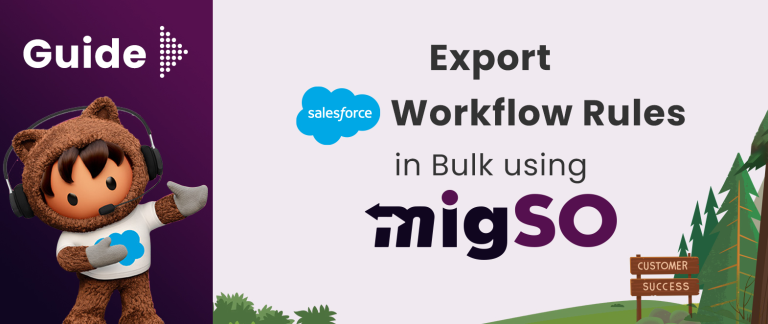
  • Guide to Export Salesforce Workflow Rules in Bulk using migSOLooking to export Salesforce workflow rules in Salesforce? Here migSO brings you to a solution to easily export mass Salesforce Workflow Rules with 24*7 support. Salesforce Workflow Rules helps automate business processes, streamline operations, and ensure consistency across your organization. Further, exporting Workflow rules also promotes workflow audits, migration to a new org, and backup management. However, manually exporting such metadata can be time-consuming and error-prone, especially for large organizations with numerous rules.Get ready to modernize your metadata operations using migSO, a powerful Salesforce app that empowers you to seamlessly export Workflow rules while saving your precious time and ensuring precision. Explore this guide to understand the importance of exporting Workflow Rules and how migSO simplifies this complex process.Why Export Workflow Rules in Salesforce?Workflow Rules refer to automated actions triggered by specific conditions, such as field updates, task assignments, and email alerts. Bulk Exporting Salesforce Workflow Rules encourages regular review, migration, and backup, and helps you ensure alignment, recovery readiness, and enhanced efficiency. Let’s go through the detailed steps for exporting Workflow Rules in bulk using migSO.Step-by-Step Guide to Export Workflow Rules in Bulk Using migSONow, let’s get into the detailed process of exporting Workflow Rules using migSO:Step 1. Open migSO via App LauncherStep 2. Select the Export Wizard tabStep 3. Select the Metadata item – Workflow RulesStep 4. Choose the Relevant ObjectStep 5. Download the Export ReportConclusionExporting Salesforce Workflow Rules in bulk is an essential task for admins managing complex processes as it empowers them to ensure alignment, recovery readiness, and enhanced efficiency. migSO simplifies this task, enhances accuracy, and saves you valuable time. Overall, migSO enables you to single-handedly migrate, export, and manage metadata items.Who are We?Tech9logy Creators is a Registered Salesforce Consulting and ISV Partner Company with over 10 years of experience. We have a certified team of developers with extensive knowledge about Salesforce AppExchange and provide you with the best-in-class personalized apps. Our dedicated Salesforce experts help you bring the best out of your CRM and ensure your business operates at its highest potential.Contact us for more information.Read More: https://migso.io/our-blog/guide/guide-to-export-salesforce-workflow-rules-in-bulk-using-migso/&nbsp;
    Guide to Export Salesforce Workflow Rules in Bulk using migSOLooking to export Salesforce workflow rules in Salesforce? Here migSO brings you to a solution to easily export mass Salesforce Workflow Rules with 24*7 support. Salesforce Workflow Rules helps automate business processes, streamline operations, and ensure consistency across your organization. Further, exporting Workflow rules also promotes workflow audits, migration to a new org, and backup management. However, manually exporting such metadata can be time-consuming and error-prone, especially for large organizations with numerous rules.Get ready to modernize your metadata operations using migSO, a powerful Salesforce app that empowers you to seamlessly export Workflow rules while saving your precious time and ensuring precision. Explore this guide to understand the importance of exporting Workflow Rules and how migSO simplifies this complex process.Why Export Workflow Rules in Salesforce?Workflow Rules refer to automated actions triggered by specific conditions, such as field updates, task assignments, and email alerts. Bulk Exporting Salesforce Workflow Rules encourages regular review, migration, and backup, and helps you ensure alignment, recovery readiness, and enhanced efficiency. Let’s go through the detailed steps for exporting Workflow Rules in bulk using migSO.Step-by-Step Guide to Export Workflow Rules in Bulk Using migSONow, let’s get into the detailed process of exporting Workflow Rules using migSO:Step 1. Open migSO via App LauncherStep 2. Select the Export Wizard tabStep 3. Select the Metadata item – Workflow RulesStep 4. Choose the Relevant ObjectStep 5. Download the Export ReportConclusionExporting Salesforce Workflow Rules in bulk is an essential task for admins managing complex processes as it empowers them to ensure alignment, recovery readiness, and enhanced efficiency. migSO simplifies this task, enhances accuracy, and saves you valuable time. Overall, migSO enables you to single-handedly migrate, export, and manage metadata items.Who are We?Tech9logy Creators is a Registered Salesforce Consulting and ISV Partner Company with over 10 years of experience. We have a certified team of developers with extensive knowledge about Salesforce AppExchange and provide you with the best-in-class personalized apps. Our dedicated Salesforce experts help you bring the best out of your CRM and ensure your business operates at its highest potential.Contact us for more information.Read More: https://migso.io/our-blog/guide/guide-to-export-salesforce-workflow-rules-in-bulk-using-migso/ 
    MIGSO.IO
    Guide to Export Salesforce Workflow Rules in Bulk using migSO
    Looking to export Salesforce workflow rules in Salesforce? Here migSO brings you to a solution to easily export mass Salesforce Workflow Rules with 24*7 support.
    0 Comments 0 Shares 406 Views 0 Reviews
Sponsored

Claim Free Crypto Every Minute

Join FaucetPay.io and start earning Bitcoin, Ethereum, and more instantly — no signup fees, no waiting, just pure crypto rewards!