

DISM Commands for Windows 10: Complete Guide to Repair System Image
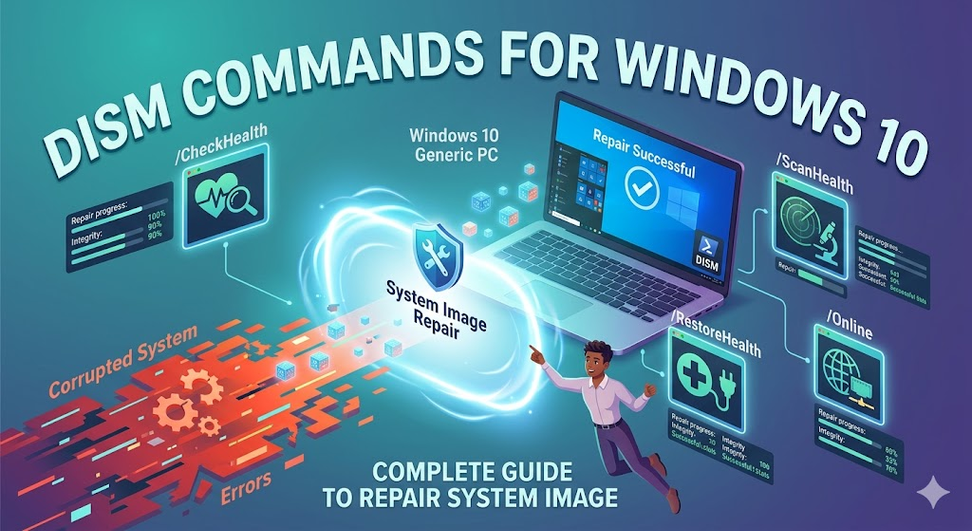
When your Windows device starts to behave erratically or fails to boot, users often look to the command line to look for answers. Even though the System File Checker, also known as the SFC, is one of the most famous repair tools that people use, there is a bigger player that handles all the major issues when the corruption of the device is too deep. This tool is known as the DISM, and this blog will tell you all about the DISM commands, highlighting its function and role in creating and maintaining a healthy environment for working.
Overview of DISM
DISM, aka Deployment Image Servicing and Management, is a highly powerful Windows command-line tool. This particular tool is used by people to service, repair, and even prepare Windows images. Additionally, it also creates Windows Recovery Environment (Windows RE), Windows PE, and other installations on your PC.
Windows relies a lot on DISM to ensure that all the files on the system remain healthy, particularly when deeper corruption of the device is preventing other tools from working. Basically, DISM works directly with different Windows image files, like .wim, .vhd, and .ffu.
Understanding the different DISM commands
These are the major DISM commands Windows 10 that you need to know if you want to use DISM to repair your system and ensure that it is working fine.
-
CheckHealth - DISM /Online /Cleanup-Image /CheckHealth
Need a quick status update on your Windows system? Just run this command, and you’ll find out if DISM has already flagged any corruption. It’s fast, but remember, it doesn’t dig deep or fix anything.
-
ScanHealth - DISM /Online /Cleanup-Image /ScanHealth
If you think something’s really wrong with Windows, ScanHealth goes a lot deeper. It checks the component store for any signs of corruption. It takes longer than CheckHealth, but doesn’t repair; it’ll just tell you what’s broken.
-
RestoreHealth - DISM /Online /Cleanup-Image /RestoreHealth
This is the go-to command for repairs. It scans for issues, grabs fresh files from Windows Update, and fixes the corruption automatically.
Apart from these commands, there are numerous other DISM commands that you need to know about, which you can learn on the website Datarecovee.

 English
 Arabic
 French
 Russian